Car widgets for iPhone
Your car.
Right at home.
Bring your car to your Home Screen. Add your own photo in Vehicle Style, or choose a Clock & Date design.

For iPhone · iOS 17 or later · In-app purchases
Football, too. Take a look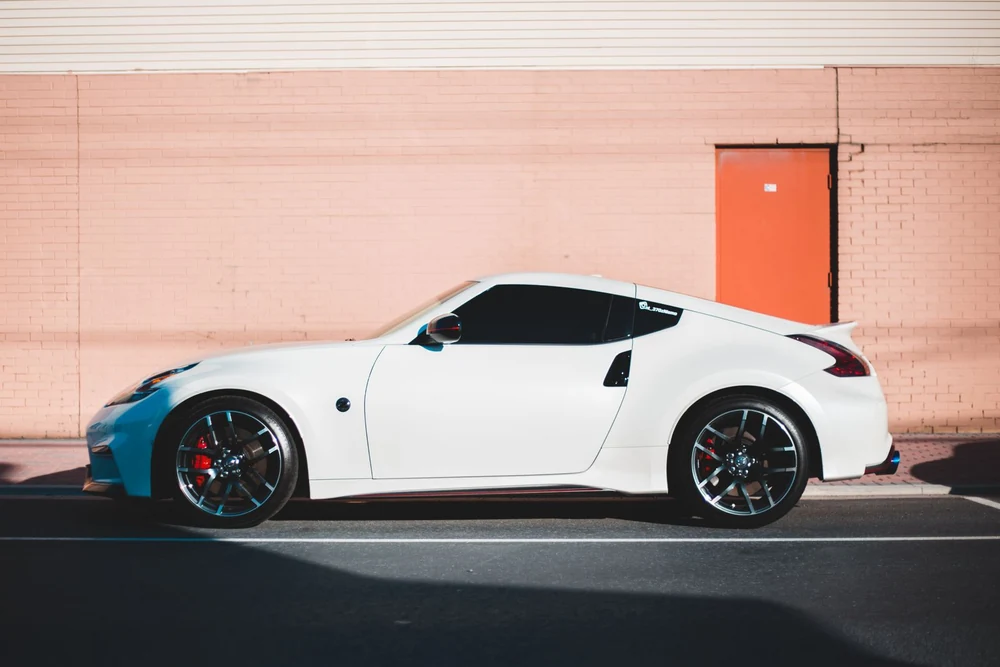
Your photo.
Your personal touch.
The details make it yours
A different look.
A familiar feeling.
Your favorite photo in Vehicle Style. A simple clock for the everyday. Start with a design and explore the choices it supports.
A photo that means something.
Vehicle Style lets you use a photo from your library, with a greeting and car name. The car, the memory, the little details: your choice.
Make time for your style.
Choose 12- or 24-hour time in Clock & Date. Explore the background and font options supported by the design.
Pick. Personalize. Place.
Save in CarWidgets, then follow the guide to add My Widget through the iOS widget gallery. You choose where it belongs.
Explore CarWidgetsFootball, too.
Your team.
At a glance.
Follow football from your Home Screen. Choose an available team to see its scores, upcoming matches and recent results, with team and competition logos where available.
Small or Medium. Your team, or a featured match.
Browse available teams and competitions in the app, then make your choice in the Live Football Scores widget’s settings.
Coverage and score timing depend on the provider. Scores may be delayed; iOS controls widget refresh.
Data: football-data.org.
Can I use my own car photo?
Yes. Choose Vehicle Style to select a photo from your library and add a greeting and car name. Photo, text, color and other customization options vary by widget design.
How do I add a widget to my iPhone?
Save your design in CarWidgets. Long-press your Home Screen, open the widget gallery and choose CarWidgets → My Widget. Select a size, then edit the placed widget to choose your saved design. The app includes a placement guide.
How do football widgets work?
Add Live Football Scores through the iOS widget gallery, choose Small or Medium, then use Edit Widget to pick an available team—or leave it empty for a featured match. Coverage and score timing depend on football-data.org. Scores may be delayed, and Apple controls widget refresh.
Does it read live data from my car?
No. Dashboard values such as fuel, battery and range are set manually, rather than read from your vehicle. Apple manages standard widget refresh timing.
What is included, and what is Garage Pass?
Start with one vehicle, starter widget styles and the parked-car tool for free. Garage Pass is an optional, one-time, non-renewing in-app purchase for premium styles and features, including maintenance, expenses and more profiles. Apple shows the current local price before purchase.
Which iPhones can run CarWidgets?
CarWidgets requires iOS 17 or later. Widget sizes and available surfaces depend on your device and iOS version. Set up while parked, and do not interact with your phone while driving.
CarWidgets for iPhone